
Blog Post
Wave Accounting Invoice: 7 Mistakes to Fix Before Sending
Wave's official invoicing page says its invoicing and payment information connect to Wave's accounting feature. Review the customer-facing invoice and the record handoff before sending.
Logan Moore
Wave's official invoicing page says its invoicing and payment information connect to Wave's accounting feature. Review the customer-facing invoice and the record handoff before sending.
The most costly Wave accounting invoice mistakes are ordinary data mistakes: the wrong customer, a vague description, an unchecked quantity, or a delivery setting that does not fit the job. Review the customer-facing copy, payment options, reminders, and record handoff before sending.
This guide stays within what Wave's public product page documents. It does not infer tax treatment, deletion rules, invoice-number behavior, or a specific accounting entry from an invoice screen.
Which Wave accounting invoice mistakes matter most?
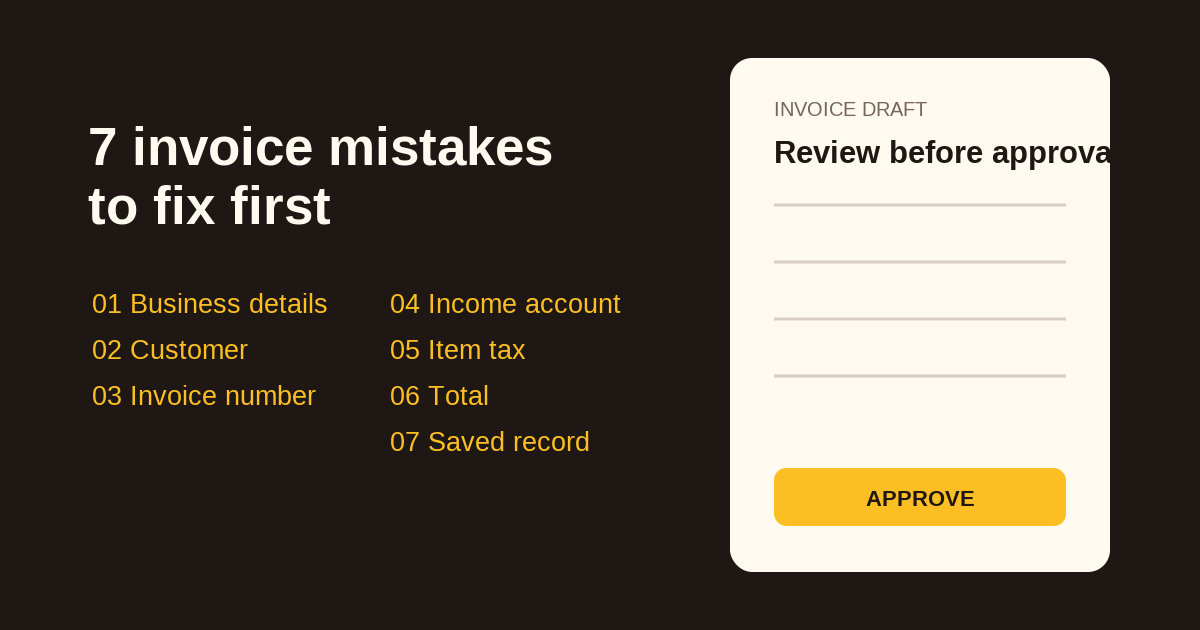
Seven mistakes deserve a deliberate pre-send check.
- Selecting the wrong customer or billing contact.
- Using a description the customer cannot match to the work.
- Approving quantity, rate, discount, or total errors.
- Offering a payment method that does not fit the customer or business.
- Turning on recurring billing for a job that should be billed once.
- Relying on reminders without confirming the due date and contact.
- Failing to define how invoice and payment records reach the books.
The last check matters because Wave's official invoicing page says: “Your invoicing and payment information are connected to Wave's accounting feature, helping you stay organized.” That directly supports an accounting handoff check. It does not show which account a particular invoice uses or prove that a business's books are correct.
How do you prevent a customer error?
Match the draft to the approved billing contact instead of recognizing the company name alone. Compare the email, address, purchase-order reference, and project. Wave says its invoicing product keeps customer information in one place and lets users view payment and communication history, but the user still has to select and verify the right record.
Read the invoice as if the email thread were unavailable. The customer should be able to identify the seller, the job, the billing period, and the person who should receive questions from the document itself.
Why should line descriptions be specific?
A useful line description connects the charge to completed work. “Two onboarding sessions, November 3 and 10” is easier to approve than “services.” Include the unit when a quantity could mean hours, visits, items, or months.
Specific descriptions also make the later record easier to interpret. Wave's public page says users can track payments and communications in the customer history. That feature can preserve context, but it does not repair a vague invoice line.
How do you check Wave invoice line-item math?
Multiply each quantity by its rate, then reconcile the lines, discount, tax selections, recorded payments, and final balance. A plausible total can still hide an incorrect quantity or copied rate.
WaffleInvoice's tracked invoice preview includes “Setup & onboarding (hrs)” at quantity 2 and rate 100. The independent check is 2 × $100 = $200. That calculation proves how to verify this source-backed sample line only; it does not demonstrate Wave's live calculation engine or establish that either product processed a real invoice.
| Check | What to compare | Common error |
|---|---|---|
| Description | Scope, dates, and unit | Copied text from another job |
| Quantity and rate | Time log, estimate, or agreement | Hours entered as a flat quantity |
| Total | Independent line calculations | A believable total accepted without review |
How should you review payment options?
Confirm that the offered method is available to the business and practical for the customer. Wave's product page says customers can pay invoices by credit card, secure bank payment, or Apple Pay when online payments are enabled. It also attaches processing-time and eligibility limits to payment claims, so do not turn those general product statements into a promise for a particular invoice.
If payment will happen outside the invoice, give the customer clear instructions and define who records the result. The invoice should not imply that a payment method is active when the account has not been configured for it.
When can recurring billing become a mistake?
Recurring billing is useful for repeat work and risky for one-off work. Wave says users can set up recurring invoices and automatic credit-card payments and switch between automatic and manual billing. Check the cadence, amount, start point, end condition, and customer authorization before enabling automation.
A recurring feature does not establish permission to charge a customer. Keep the agreement and cancellation process separate from the software setting.
Why verify reminders and due dates together?
A reminder is only as accurate as the due date and contact behind it. Wave says late-payment reminders can be sent automatically with online payments or the Pro Plan. Before relying on that automation, confirm the plan requirement, recipient, due date, and message.
For a one-time invoice, preview the customer copy after the final edit. For repeat billing, inspect the next scheduled document as well as the template.
What does the accounting connection prove?
Wave's statement proves that its invoicing and payment information connect to its accounting feature. It supports reviewing how a customer invoice becomes part of the business's records.
It does not prove that a specific category, tax selection, balance, or reconciliation is correct. Name the person responsible for the books, the records they review, and the correction process. If you only need billing records and keep books elsewhere, compare that workflow with invoice software without accounting setup.
Frequently Asked Questions
Quick answers to the questions readers ask most about this topic.
Does Wave connect invoice information to accounting?
How do I check a Wave invoice total?
Does Wave offer recurring billing?
Do Wave reminders remove the need to check a due date?
Ready to improve your invoicing?
WaffleInvoice makes it easy to invoice faster, get paid on time, and manage your cash flow. Start free today.
Sign Up Free